
Case 1
The Response Console Tool
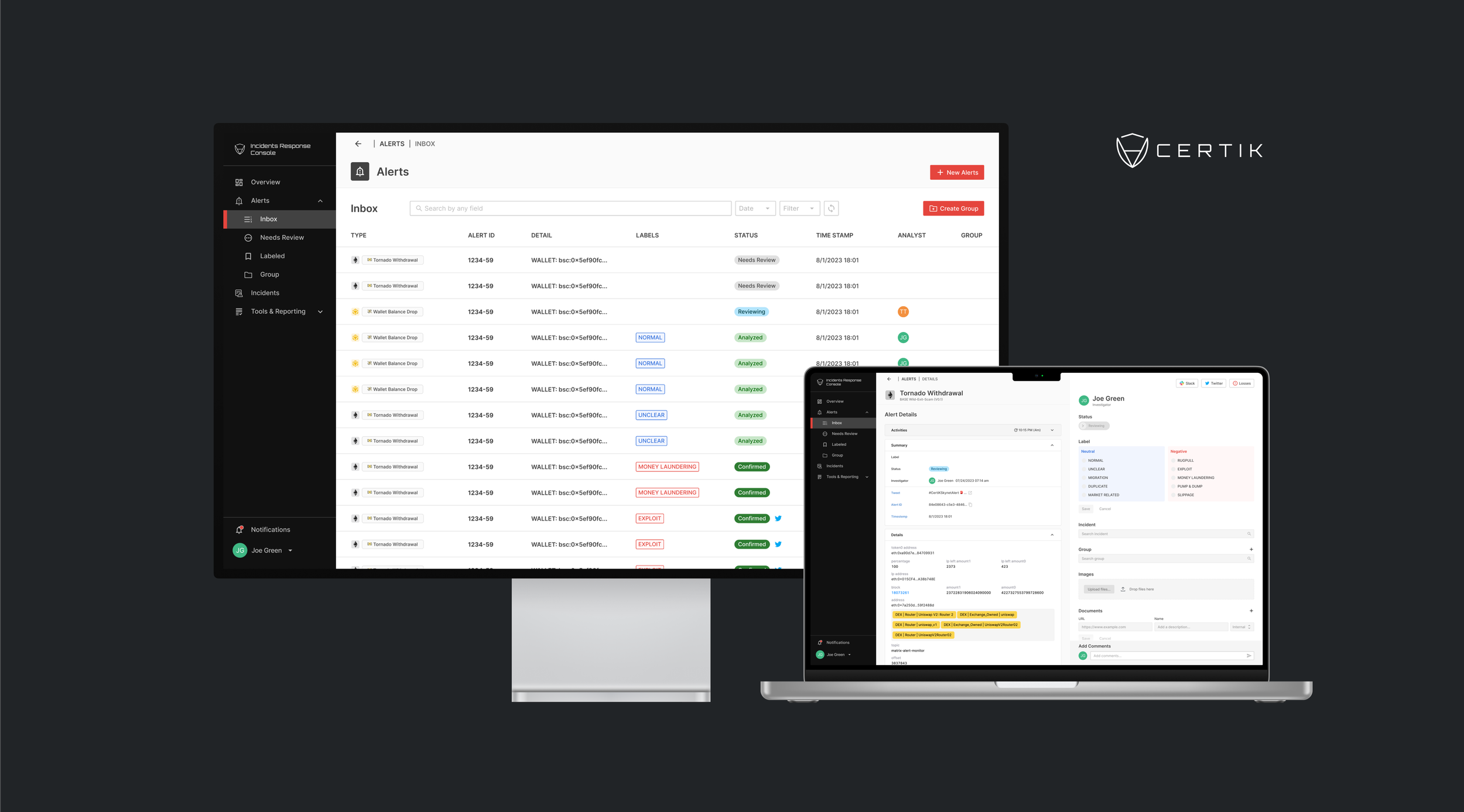
is at the heart of CertiK’s operations, playing a crucial role in managing alerts and ensuring the safety of the Web3 community
Company
CertiK.Inc
June 2023 – Aug 2023
Contribution
Led Redesign Project
0-1
Team
Yuha Kim (Product Designer)
Eitan Prince (SWE.F)
Tem Temuulen (SWE.B)
Context
Redesign The Response Console Tool for Optimizing Employee’s Workflow
In the summer of 2023, I worked at CertiK as a contract UX/UI Designer, leading the redesign of their internal infrastructure software, the Incident Response Console Tool. The main challenges were time constraints, the lack of design files (the software was purely coded), and the steep learning curve in a new industry. I diligently documented and shared my work through active communication and regular feedback with the QRT and development teams to overcome these challenges. This effort successfully resolved a crucial issue within the tool, greatly enhancing the team’s efficiency and scalability for future opportunities.
My Roles
I Advanced core user flows, the tool information architecture, and user interface consistency and scalability through design systems.
I Executed the tasks such as identifying issues, defining problem scopes, prioritizing tasks, designing solutions, conducting testing, and overseeing the implementation process.
Project Impact
Remarkably increased the team workflow efficiency by 20%.
Streamlined the Dev + Design process by creating a design system.
Understanding
Redesign The Response Console Tool for Optimizing Employee’s Workflow
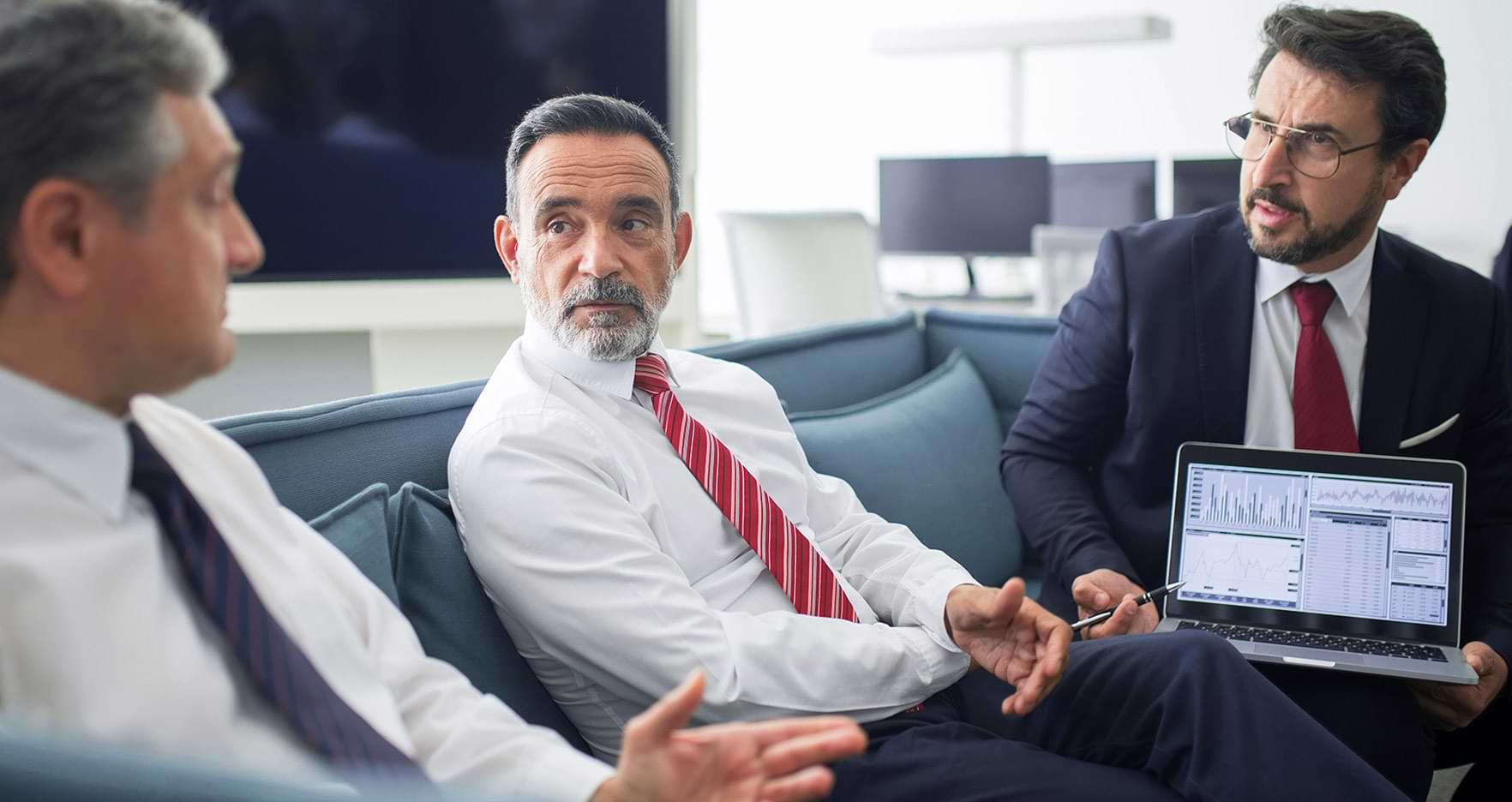
I met the Quick Responsive Team (QRT) to understand what their day-to-day is like. On average, each team member handles 120 alerts daily, which involves a lot of repetitive work in their workflow. Therefore, reinforcing efficiency in their work processes was a key focus.
The tasks,
QRT Team’s Journey
After conducting user testing and gaining insights into how the QRT team works, I defined the scope of the redesign project. Given the tight two-month timeline, I had to prioritize tasks strategically. To ensure alignment with the team, I crafted a journey map that visually highlighted the most pressing areas for our initial focus.
The tool,
Incidents Response Console
The Incident Response Console Tool plays a crucial role in helping the Quick Response Team (QRT) swiftly identify, track, and analyze incidents to maintain the integrity and security of the blockchain ecosystem. However, the current tool revealed significant usability issues within each workflow. The primary objective of the project is to resolve these issues strategically.
Project Goal & Scope
Keep the team’s work flowing and increase efficiency while making the tool scalable and user-friendly
Implementation & Feedback
“You are making this
really user-friendly!”
The redesigned sections were swiftly developed in close collaboration with the development team, enabling rapid testing with the QRT team to address any unforeseen issues. What truly impressed me was how the collaborative environment significantly boosted the efficiency of the entire process, as it’s done all within a three-week timeframe.
Project Task
Redesigning Summary View to Streamline Alert Searches
Problems
Insufficient information in the Summary View and unclear UI elements make it difficult for users to promptly identify alerts, resulting in repetitive interactions
Not enough information in the Summary View caused inefficiencies as users find themselves frequently toggling back and forth to access alert details. Given that users perform this action repeatedly throughout their shifts, it became imperative to rethink the importance of this summary view.
Approach
Interview, testing, and survey to prioritize information and consolidate effectively
The goal is to enable users to navigate their tasks effortlessly, making informed decisions without the need for unnecessary interactions by providing clear cues in the summary view to distinguish alert characteristics.
Design Decision
User-driven alert search and heuristic navigation
While working on the summary view, I noticed another challenge: efficiently filtering new and reviewed alerts, which significantly impacted the overall search experience. In response, I quickly explored various menu options, tested them out, and introduced the inbox system, which turned out to be the most user-friendly choice.
However, the limited screen space, primarily due to the sidebar, presented an additional hurdle. To address this constraint, I consolidated the information presentation and restructured the alert statuses, reducing the number of categories through icons. I also meticulously assessed the icons’ intuitiveness within the design.
Design System
System Thinking for Scale, Streamline the Design + Dev Process
When I began this project, there were no existing design files because the tool had been entirely coded. I initially hesitated about investing time in constructing a design system, as it could extend the project timeline. However, I could not ignore the importance of the design system, such as development efficiency, UI consistency, and future scalability. I decided to leverage the design system from CertiK’s other platforms, making quick modifications to align it with this tool’s requirements, and thankfully, the outcome was a success.
Impact
Success Metrics & Result
After all, the ultimate goal of this project was to make the QRT team’s workflow more efficient. I set up success metrics and gathered the necessary stats through collaboration with the dev team, and we could validate the effectiveness of Task I and II. While Task 3 is still in development, we don’t have the precise data just yet, but what’s really encouraging is the positive feedback from users who tested the prototype.
As We Conclude…